Our Favorite WordPress Plugins for SEO
The step-by-step process we use to drive visibility in AI and search.

Helped us scale content velocity with ease.

Organized approach made creation a breeze.

Drove valuable search and LLM traffic.

Drove WoW and MoM growth.
🤖 Our Favorite WordPress Plugins for SEO
WordPress is our favorite platform to work on, and these are the plugins we deploy and configure on every WordPress project we work on.
We may install other plugins on a case by case basis, but this is the core list that goes on every project.
If you’re working on a custom site or a Shopify site, you want to configure your sites with the equivalent functionality.
⚙️ How to use this guide
- Plugins –> Add New
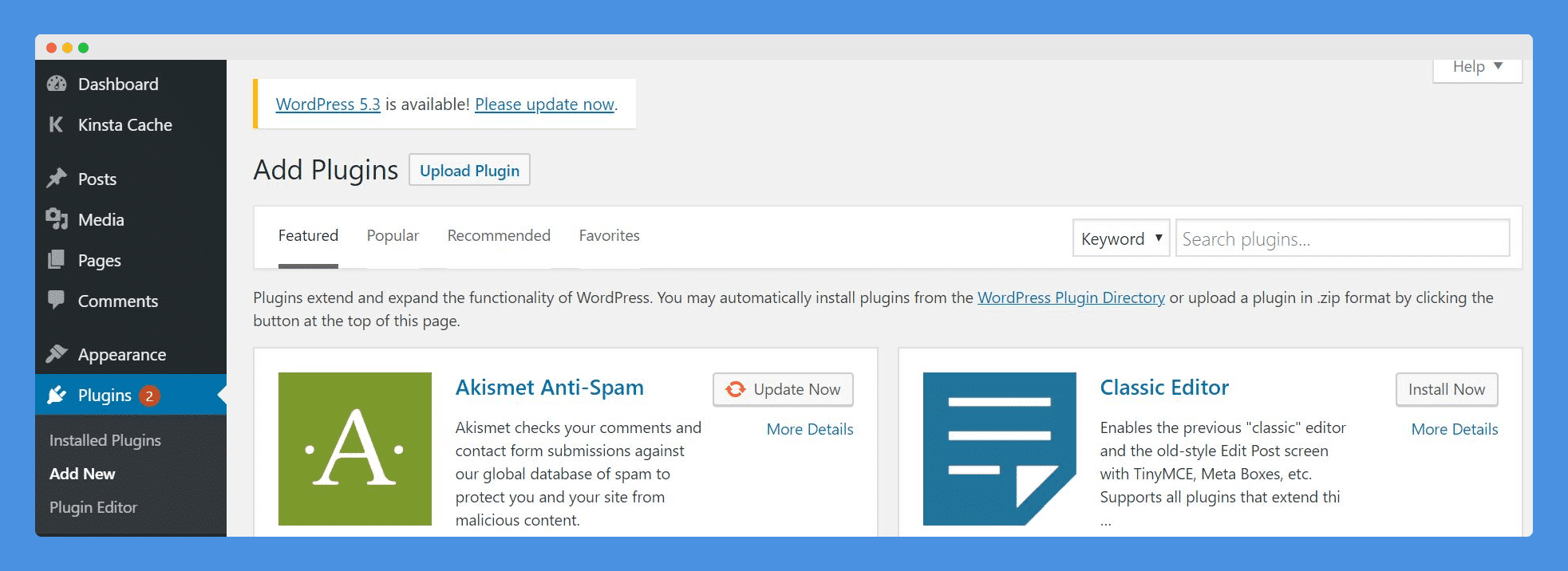
- Search for each plugin you don’t have
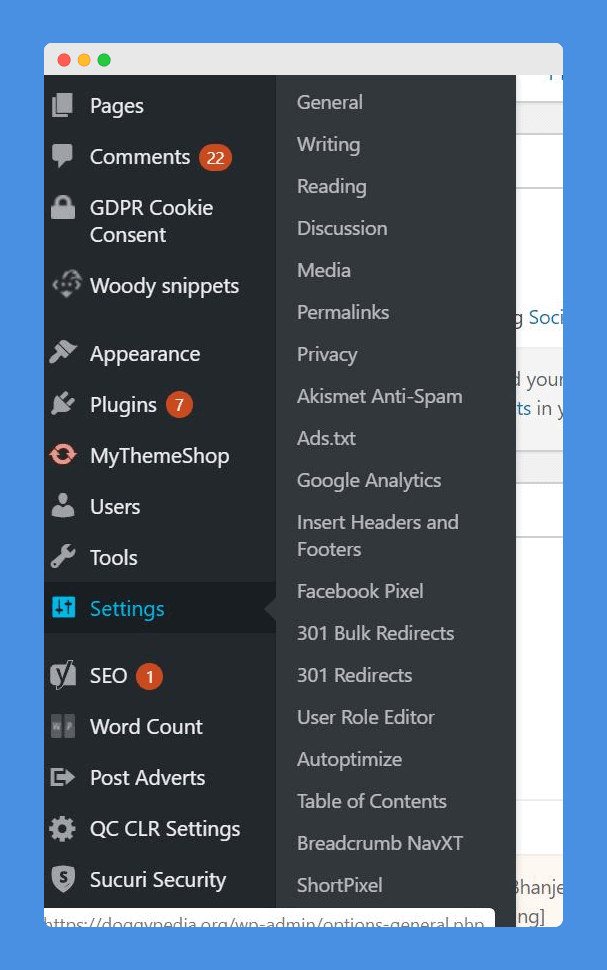
- Install it
- Activate it
- Configure it
🔎 SEO Plugins
Yoast
- The key features here are sitemap, de-index certain WordPress page types, and metadata. We don’t care about their other tools
301 Redirect
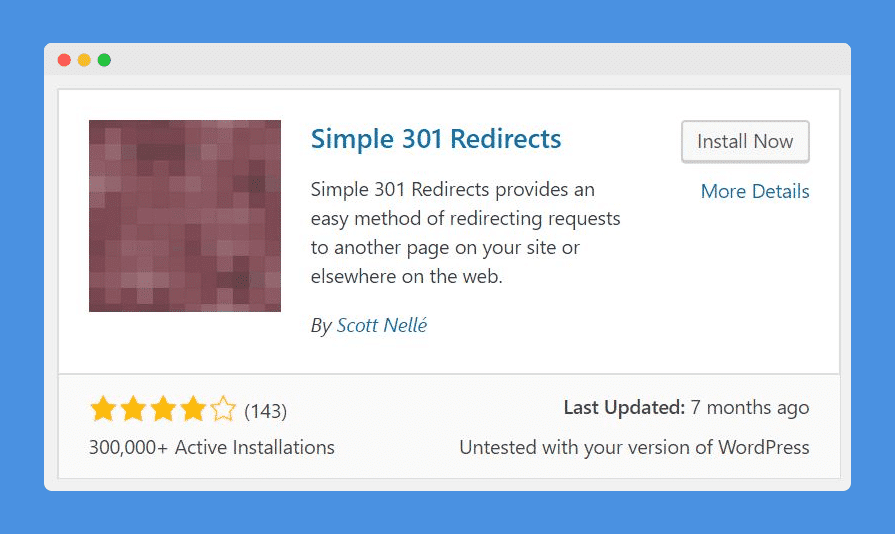
- When we update page URLs
301 Redirect Bulk Add On
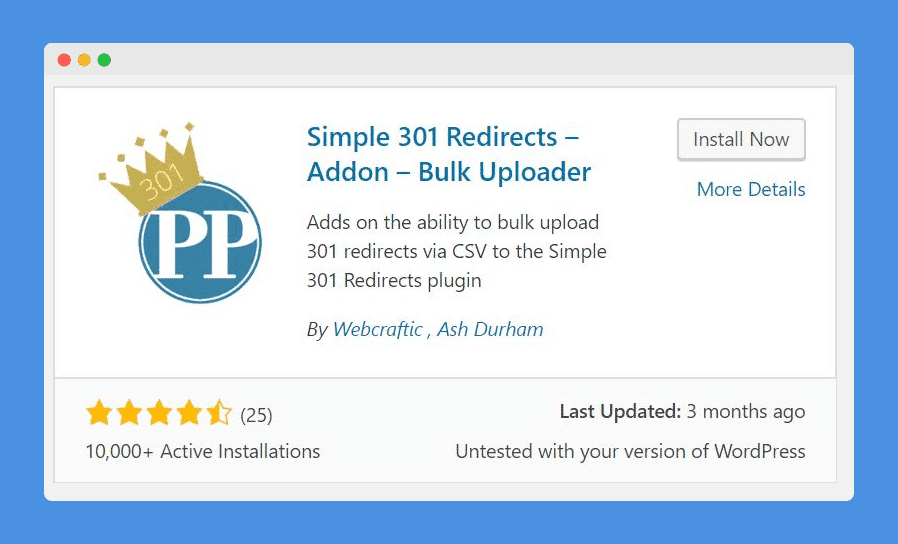
- Occasionally we’ll want to do it in bulk
Category URL remover
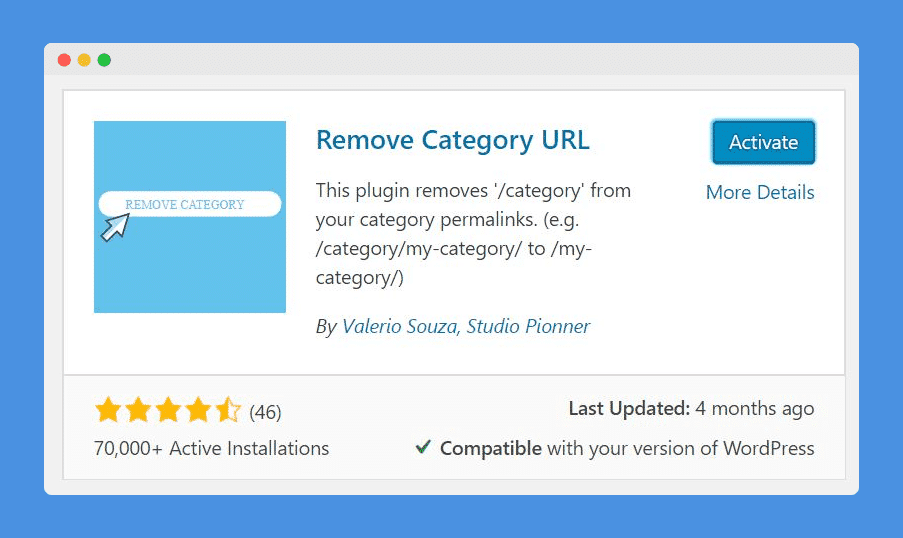
- Configure WP to remove the date
- Use category URL remover to remove the category
- This removes the additional URL hp
Breadcrumbs NaXVT
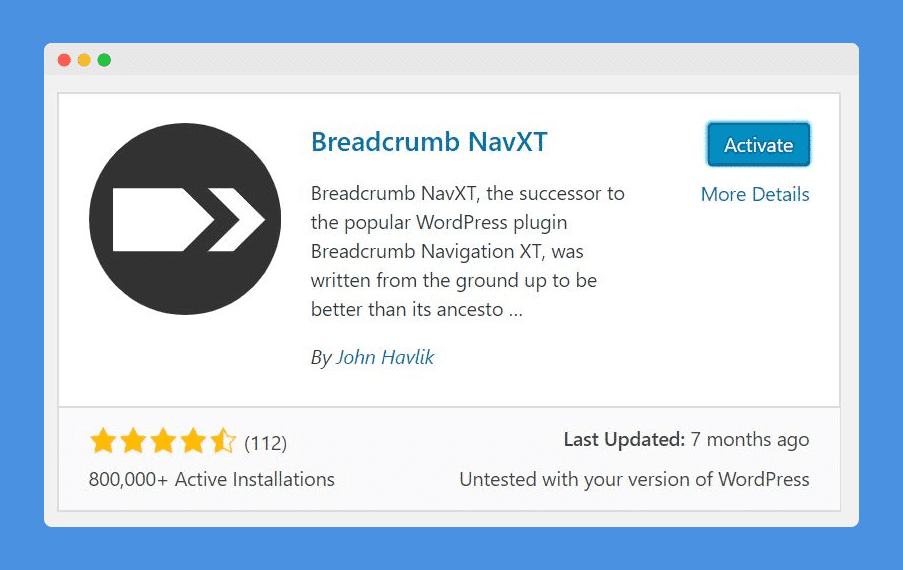
- Improves internal linking
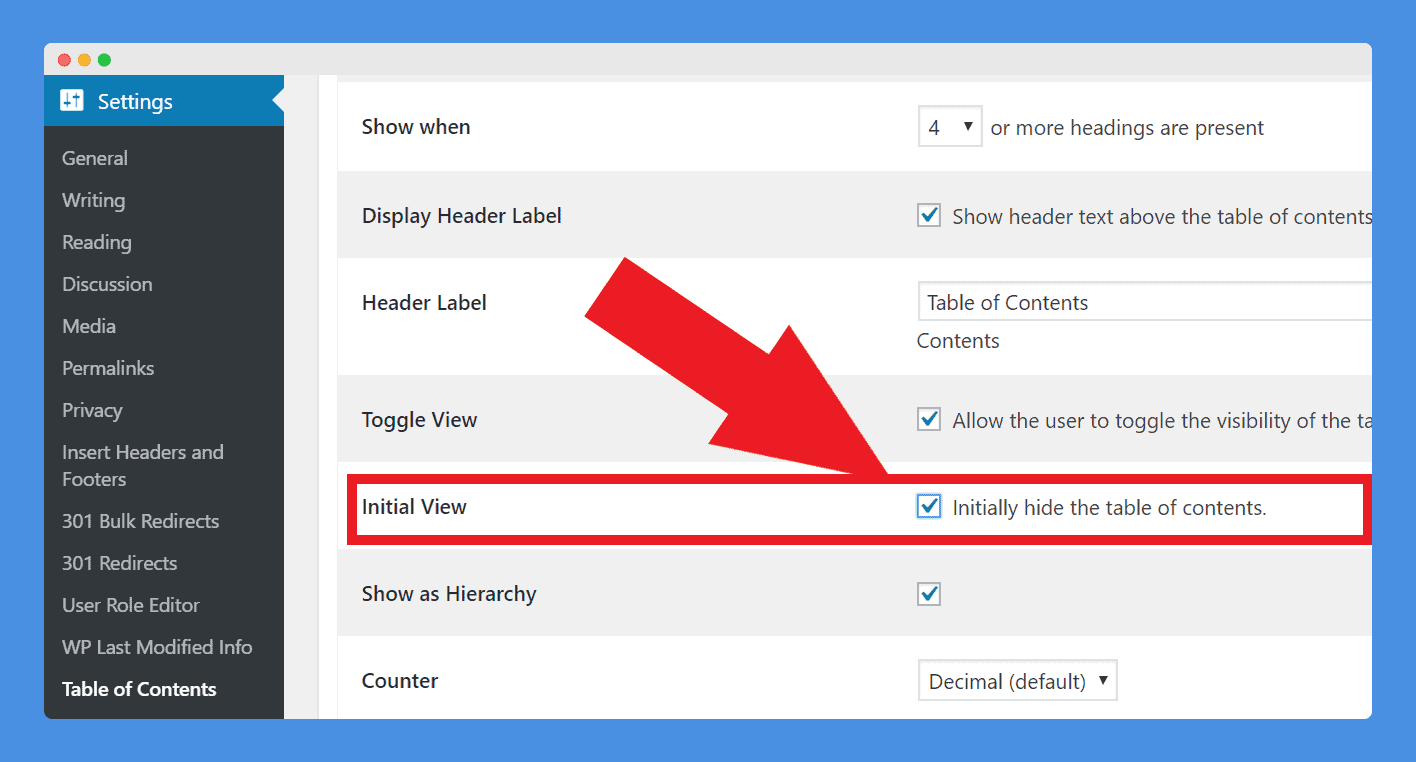
Easy table of contents
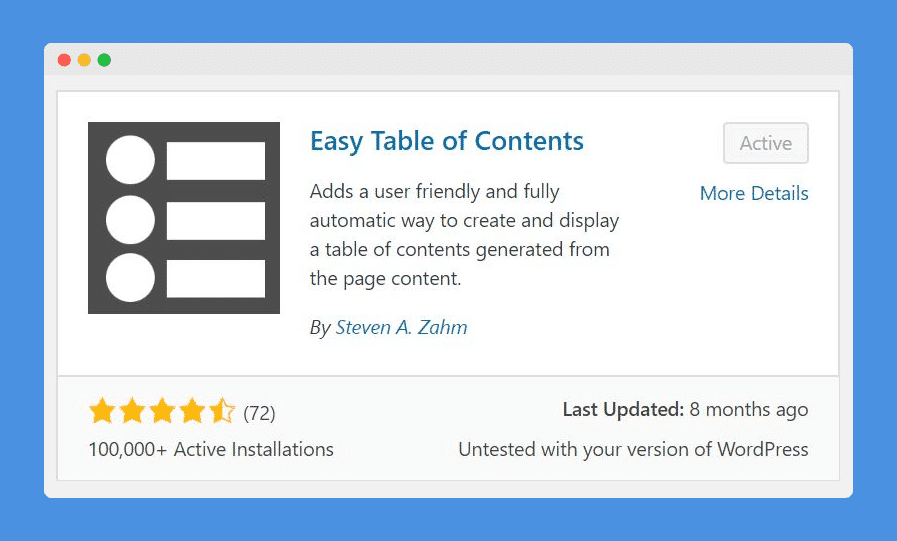

- Adds value to the reader
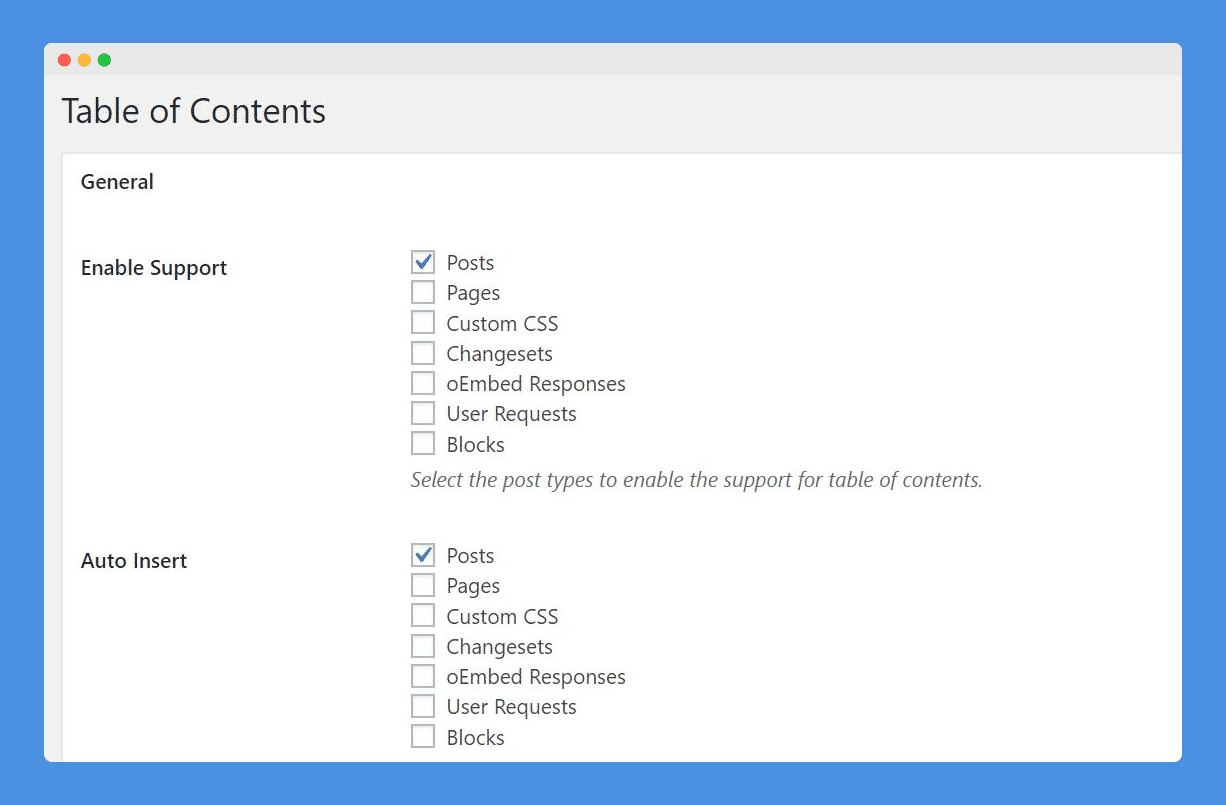
- Signals to Google higher quality content
ShortPixel
- Image optimizations
Insert Headers & Footers
- For Google Tags Manager code snippet, Facebook Pixel, etc
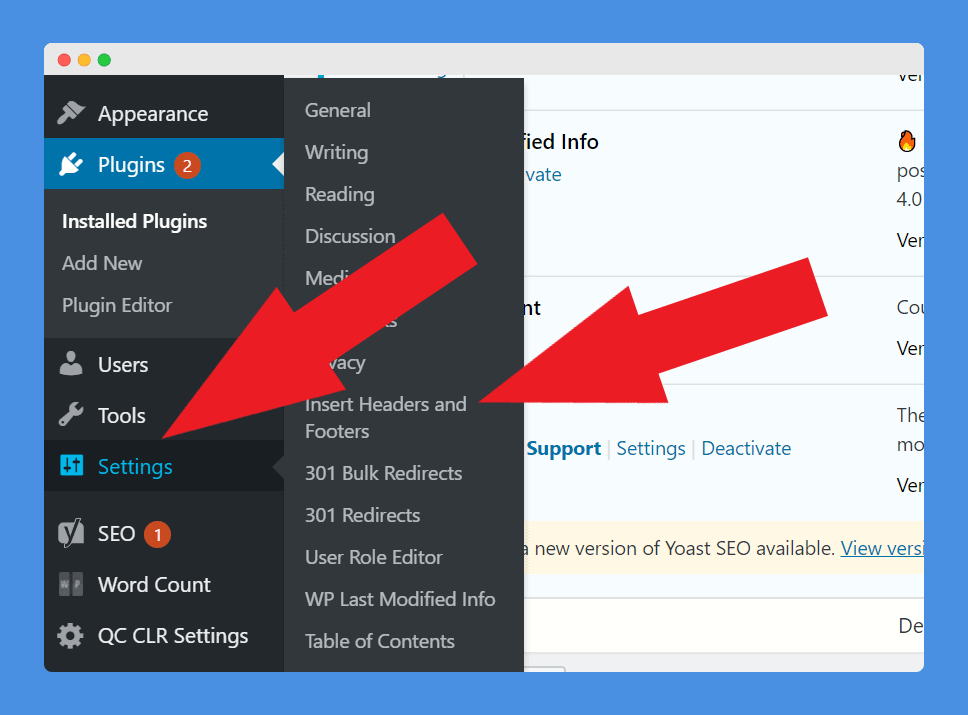
- An alternative is to use dedicated plugins for these requirements but prefer fewer plugins
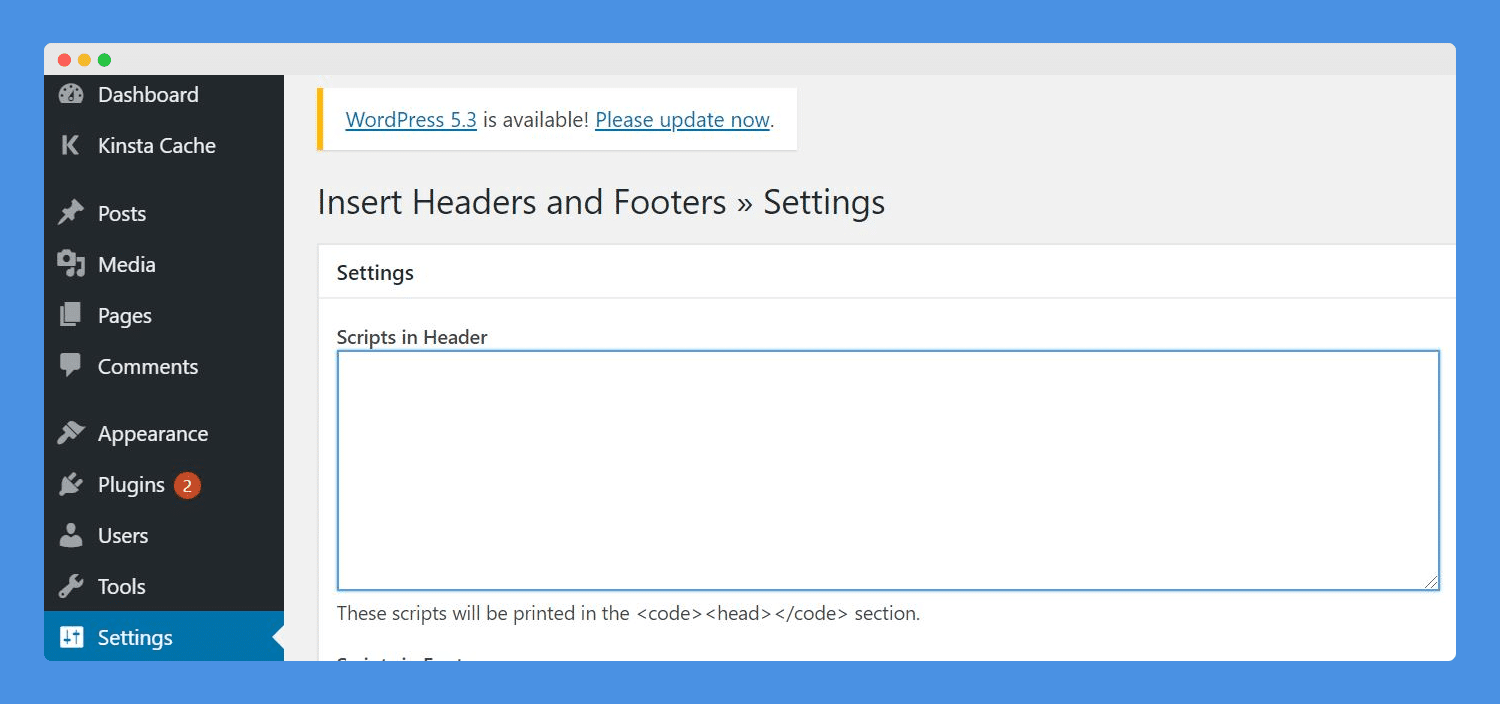
- Some themes have a form for this but prefer standardization across themes
Optin Monster
- The better users engage with your site, the better you’ll rank
- I prefer Optin Monster because I spend the least amount of time on design and configuration vs something like Thrive Leads.
🧰 WordPress Management Plugins
WP Word Count
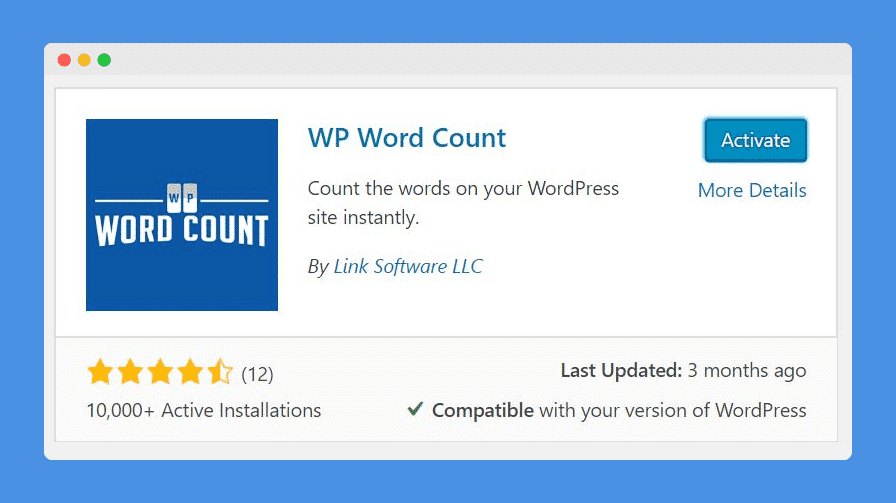
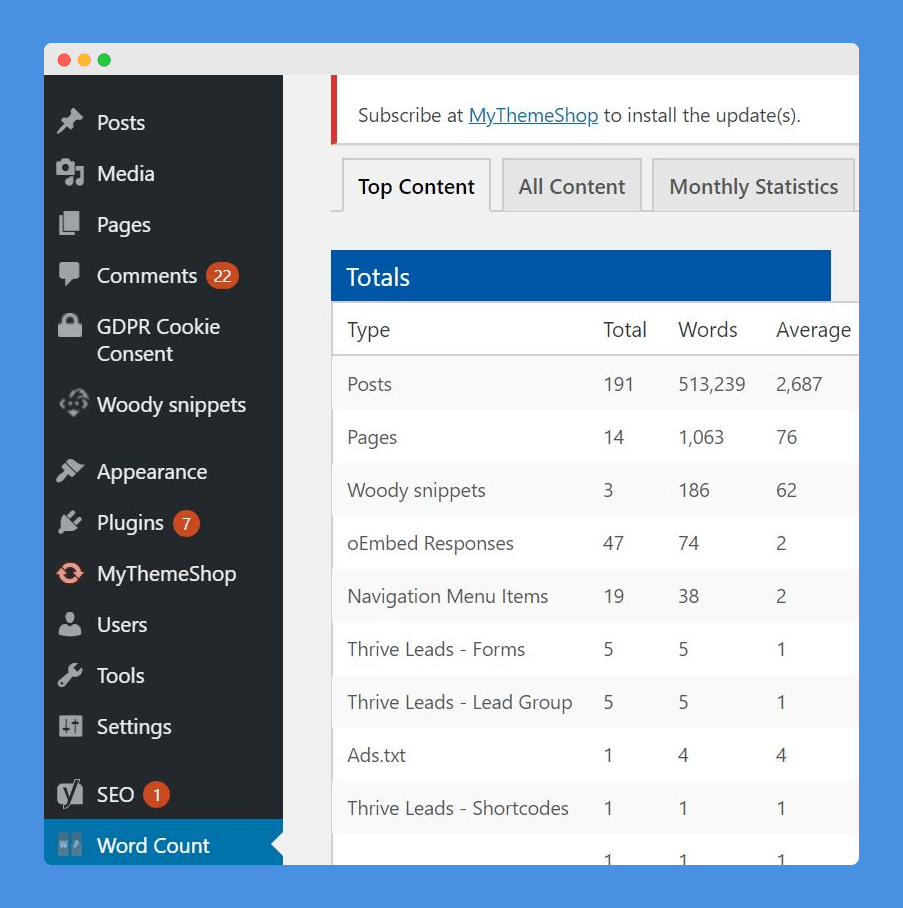
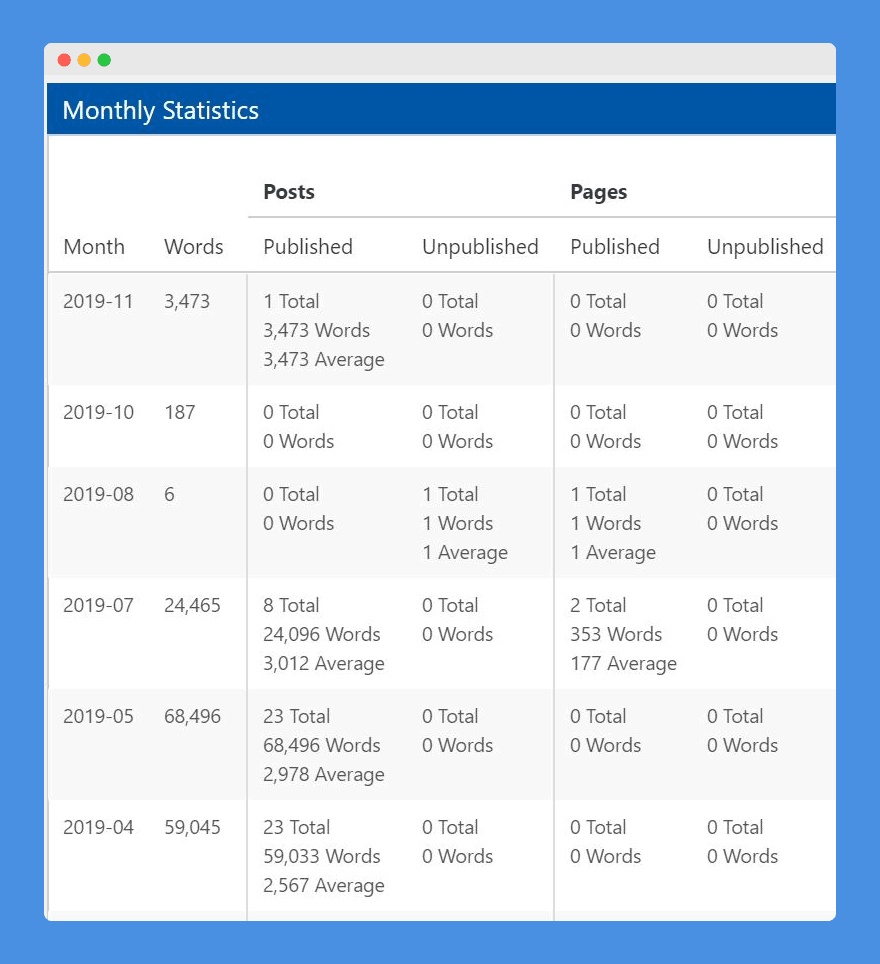
- Allows you to keep tabs on velocity
Classic editor
- The new Gutenberg editor is the worst
- Deploy Classic to get the familiar UI back
Remove link from comments
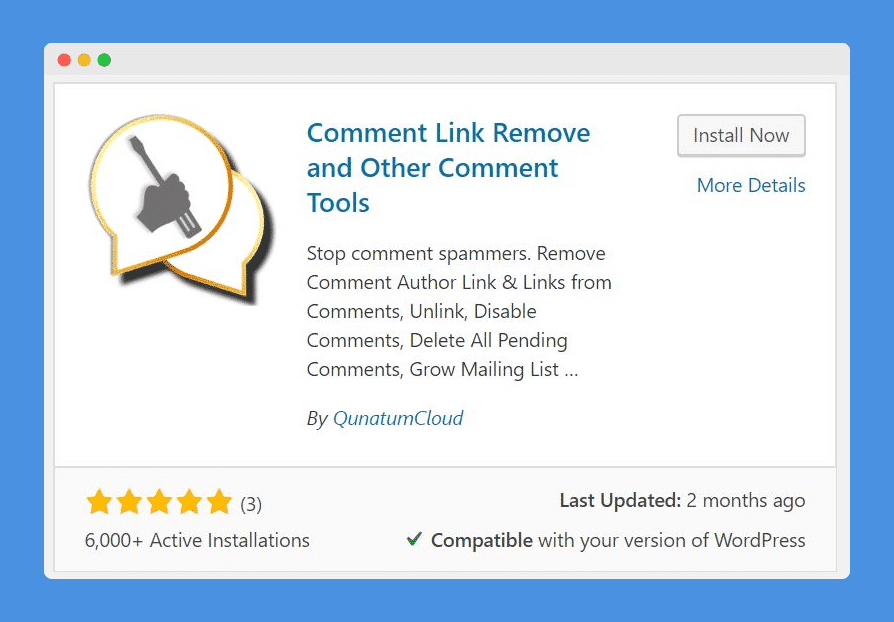
- Comments increase the length of your content & keeps your readers engaged longer

- But comment fields with the option to add your URL attract automated spammers with prescription drug and religious links
- Your comments require manual approval by default, but if you have high traffic just deleting your spam box becomes a chore
- This plugin removes the URL, and spammers are only looking for back-links
User role editor
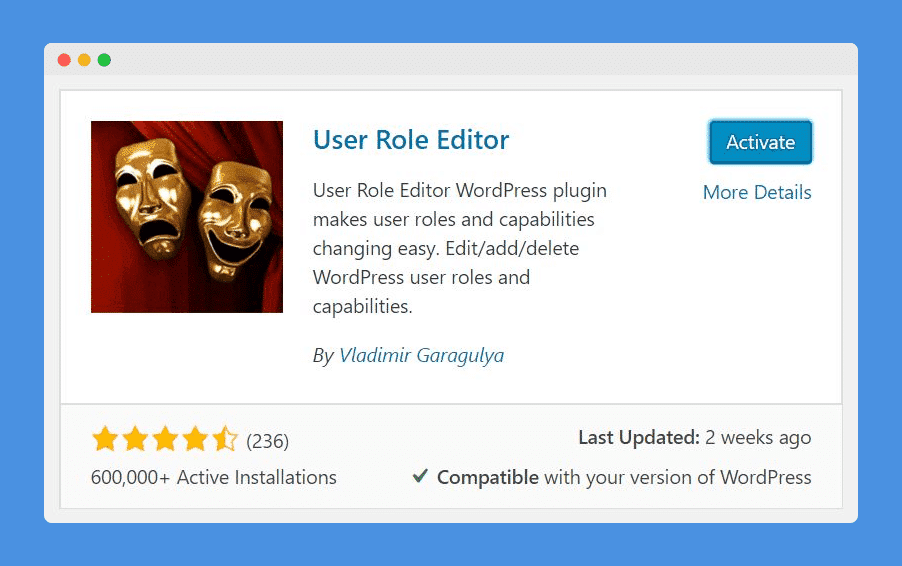
- Can customize user privileges

2. Use to give author accounts the ability to edit other people’s blog posts
Wordfence
- Basic security
📌 Other Best Practices
- SSL on the server side
- Setup Google Analytics via tag manager
- Setup Google Webmaster
- Setup Facebook Pixel
🤝 Free Stuff
👉 Learn what it’s like working with our consulting team.
Free Resources
👉 Read all of our free playbooks
👉 Hang with 10,548 marketers in the #1 Content Ops Community
👉 Subscribe to our YouTube channel for hour long deep dives.
Software
👉 Hire the top 1% of writers, editors, SEOs, VAs, designers and more.
👉 Automate keyword research & topical authority
Ambitious?
We help category leaders and future category leaders drive more revenue from AI and search.